The strategic split
Most operators ignore Google Ads entirely, then wonder why their blended CPA stays high. Google is the second-most-leveraged channel after Meta and most operators don't understand that Shopping and Search are completely different games.
Here's how I run it:
- Shopping ads: I run these in-house. 3-tier funnel structure. Manual CPC. This is my play. I'll walk you through the entire setup below.
- Search ads — branded only: defensive play. Exact match on your brand name + product names. You outbid anyone trying to steal your branded search traffic.
- Search ads — non-branded / cold traffic: outsource this to a specialist. Don't try to learn it in-house. Hire someone cracked specifically at Google Search who can run cold-traffic keyword campaigns at scale. Your focus stays on creative + Meta + the rest of the operating layer.
Why the split: Shopping is structural — set up the funnel right, optimize CPCs, layer GMC product variants, and it prints. Search non-branded is research-heavy, keyword-modeling intensive, copywriting-specific, and totally different from Meta-style ad ops. It's its own discipline. Hire a specialist.
This sub-page is the Shopping playbook + the branded Search defensive setup. Search non-branded is referenced as a hire-out workflow.
Why Shopping prints (and why no one runs it well)
Google Shopping is direct response in its purest form. Someone literally types your category, your brand, or your exact product into Google. Then they buy.
But most operators set Shopping up wrong:
- They use Maximize Conversions / Maximize Clicks bidding → Google can blow $5 per click on 100 clicks with zero purchases
- They run one big campaign with no segmentation → high-funnel keywords compete with low-funnel for budget
- They don't use negative keyword lists → bid on garbage like "free knee brace" or "knee brace review scam"
- They never check Auction Insights → never see who they're losing to or how to overtake them
The 3-tier funnel structure with manual CPC fixes all of this.
The 3-tier Shopping funnel
Three campaigns, one funnel. Each campaign has a different priority level, different CPC, different keyword list. Bidding cascades from low → medium → high based on what the searcher typed.
Using a knee brace brand as the example:
| Tier | What it bids on | CPC | Priority | Conversion intent |
|---|---|---|---|---|
| High | Broad cold-traffic keywords ("knee brace", "cure for knee pain") | Lowest (~$0.20) | Lowest priority | Lowest — they're shopping around |
| Medium | Brand intent (your brand name in phrase match) | 3-4x of high (~$0.70) | Mid priority | Medium — they're considering you |
| Low | Exact product names with brand ("CureFree Knee Brace 2.0") | Highest (~$3-6+) | Highest priority | Highest — they're searching for you specifically |
The cascade logic: Google checks the user's search query against your Low tier first. If it doesn't fit Low's keywords, it falls through to Medium. If not Medium, falls through to High. Each tier bids at its own CPC level.
This means the same searcher can only enter your funnel through one tier at a time — whichever tier matches their search intent best. You're optimizing CPC per intent level instead of paying high-funnel rates for high-funnel traffic.
Setting up High (top of funnel)
What it does: captures broad cold traffic. Someone searching "knee brace" or "best knee support for runners." Lowest buying intent, lowest CPC.
Setup:
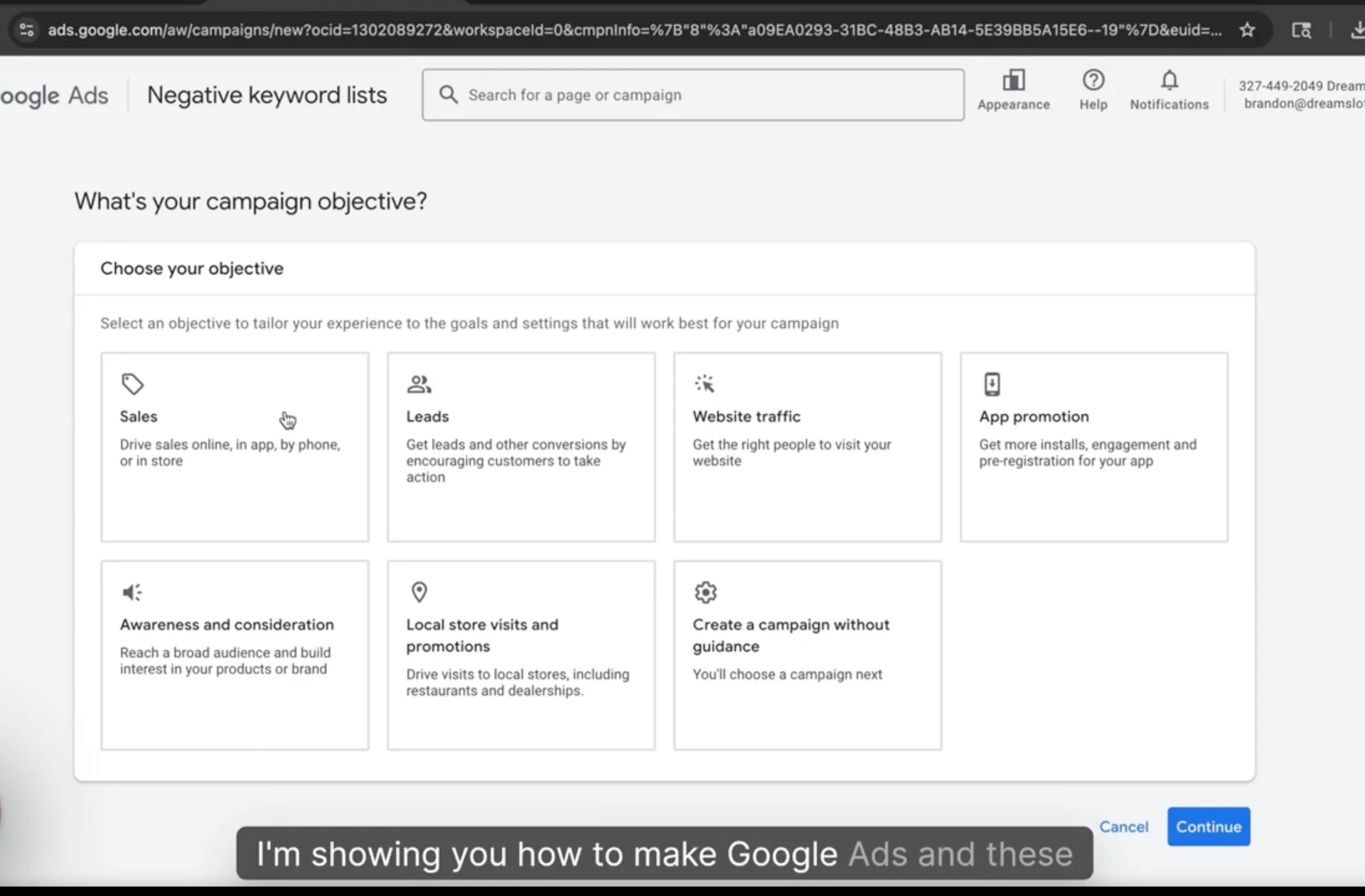
- New Shopping campaign in Google Ads
- Bidding strategy: Manual CPC (not Maximize Conversions, not Maximize Clicks)
- Add your Universal Negative Keyword List (more on this below)
- Set CPC to ~$0.20 to start
- Priority Level: Low (yes — High tier, low priority. Counterintuitive, but it's what makes the cascade work.)
Keywords in High: broad category descriptors. Things like:
- "knee brace"
- "knee support"
- "cure for knee pain"
- "best knee brace"
These are descriptory, broad, lots of people searching. You want to be present but not paying premium rates because conversion is lower.
Setting up Medium (mid funnel)
What it does: captures brand intent. Someone who's heard of you and is searching your brand specifically.
Setup:
- Quick-duplicate the High campaign (same ad groups, same product feed, same negative keywords)
- Change campaign name to Medium
- Settings → Priority Level: change to Medium
- Raise CPC to ~$0.70 (3-4x of High)
Keywords in Medium: your brand name in phrase match. This is the critical setup detail.
Phrase match means the keyword has to contain your brand. So for a brand called "Downright":
- "downright pillows" ✅
- "downright comforter" ✅
- "downright typo" ✅
- "downright .com" ✅
Why phrase match here: captures every variation of brand searches without bidding on totally unrelated terms (broad match). Tighter than broad, more flexible than exact.
Setting up Low (bottom of funnel)
What it does: captures exact product searches. Someone typing your specific product name + brand. Highest buying intent — they're searching for you specifically.
Setup:
- Quick-duplicate the High campaign (NOT the Medium — keep the original keyword list intact)
- Change campaign name to Low
- Settings → Priority Level: change to High (yes — Low tier, high priority. The naming is confusing but the cascade requires it.)
- Raise CPC significantly. This is where you bid most aggressively.
Keywords in Low: exact product names with brand. For "CureFree Knee Brace 2.0":
- "curefree knee brace 2.0"
- "curefree knee brace high webbing"
- "curefree knee brace black"
- variant names, sizes, colors
Brandon-rule: there's no excuse for not being #1 on your own product searches. Someone literally typing your exact product name is ready to buy. You need to outbid every retailer, dropshipper, or competitor who's bidding on your terms.
If you're scaling on Meta and don't have Low-tier Google Shopping locked in, someone else is making money on your traffic. Easy bread for them. Don't hand it over.
The Universal Negative Keyword List
This is one of the most overlooked setups in Google Shopping. Without negative keywords, you're bidding on garbage that will never convert.
The Universal list applies to all 3 tiers. Standard exclusions:
- Scam, fraud, fake, ripoff, scam review — research traffic, not buying traffic
- Free, freebie, free trial — looking for free, not buying
- Wholesale, bulk, distributor — B2B traffic, not your audience
- Pirate, knockoff, replica — looking for cheap dupes
- Cheap, cheapest, discount [generic] — bargain hunters who won't pay full price
- Review (depending on your product, this might convert — test it)
- Names of brands you're modeling after — if you're ripping a competitor's GMC structure, exclude their brand name to avoid DMCA risk
Setup the list once in Google Ads → Tools → Negative Keyword Lists. Apply to all three campaigns.
Match types — quick reference
When you're building keyword lists, use the right match type per tier:
| Match Type | Trigger | Use case |
|---|---|---|
| Broad | Anything loosely related | Avoid for Shopping (too broad, wastes spend) |
| Phrase | Keyword phrase appears in query | Medium tier (brand name variants) |
| Exact | Only the exact phrase | Low tier (specific product names) + Search Ads branded |
Broad match is dangerous in Shopping because Google interprets it loosely and you end up bidding on tangentially related terms. Stick to Phrase + Exact.
Shared budget across all 3 tiers
Once all 3 campaigns are set up, assign a shared budget across them. Tools → Shared Budgets → create new → apply to all 3 Shopping campaigns.
Why shared budget: Google allocates spend across the 3 tiers based on which one is converting at your CPC limits. If Low is crushing, more of the budget goes there. If High is finding cheap clicks that convert, budget shifts there.
Starting budget: $15-50/day to start. You will not spend the full budget. Manual CPC controls actual spend — Google can only spend what your CPCs allow per click. If your Low tier gets 3 clicks at $5 each on a slow day, that's $15 spent regardless of your $50 budget.
The first 1-2 days, don't optimize. Just watch which keywords are showing in which tier. Then move keywords between tiers as needed (covered below).
The ongoing optimization — moving keywords between tiers
Once the campaigns are running, keywords sometimes show up in the wrong tier. A high-funnel keyword that should be in High might be triggering Medium. Or a specific product name might land in High when it should be in Low.
The fix: add the misplaced keyword as a negative exact match in the wrong tier. Then add it as a positive keyword in the right tier.
Example workflow from a furniture brand I ran:
| Search query | Where it appeared | Where it should be | Action |
|---|---|---|---|
| "Alpine Furniture" | Medium | Stays Medium (brand intent) | None |
| "Alpine Adele upholstered platform bed" | Medium | Should be Low (specific product) | Add as negative exact in Medium, positive in Low |
| "King bed frame affordable" | High | Stays High (broad shopping) | None |
| "[competitor name] bed" | Medium | Should be excluded entirely | Add to Universal Negative |
This is ongoing work. Once a week, pull the search terms report, find misplaced queries, move them. Cleaner tier separation = cleaner CPC optimization = better profit.
Reading Search Impression Share
The metric that matters most in Shopping. Two flavors:
- Search Absolute Top Impression Share — % of time you're at the absolute top of search results (the bidders crushing the auction)
- Search Impression Share — % of time you appear anywhere on the page
Targets per tier:
| Tier | Absolute Top Impression Share | Logic |
|---|---|---|
| High | 15-25% max | You don't need to win the auction — you're capturing what's profitable |
| Medium | 40-60% | Compete strongly for brand searches |
| Low | 80-100%+ | Dominate your own product searches |
Why High caps low: bidding to win at High-tier broad keywords burns budget without proportional conversion. Capturing the cheap pockets profitably is the play.
Why Low caps near 100%: someone typing your exact product name wants to buy your product. Losing that auction means losing the sale. Outbid everyone.
Auction Insights — the scaling sauce
Google Ads → Auction Insights. This is where you see how you rank against your competitors in the auction.
What you'll see:
- Amazon (almost always #1 in any category)
- The biggest brand in your category
- 5-15 other competitors fighting for the same keywords
The play: start under Amazon and the biggest brand. As you spend more, raise CPCs strategically until you're outranking specific competitors. You don't need to beat Amazon. You need to beat the next 3-5 competitors below them — that's where the actual click volume lives.
The GMC variant trick — how I scaled to $750k in 63 days
This is the move that scaled one of my brands from $0 to $750k revenue in 63 days. Cross-reference the Different Ad Account Strategies sub-page where this case study comes up from the Meta side — Google Shopping was the parallel channel doing 20k days during the peak of that run.
Once you're approved in Google Merchant Center (GMC) — wait until after approval, don't try this on a fresh account — start adding variants or duplicated versions of your product.
Standard GMC has 1 product per SKU. With variants/duplicates, you can have 5, 10, 12 versions of the same product all in your feed.
Why this works:
- Each version takes up auction shelf space
- Google shows multiple of your products in the same search results
- You're competing against yourself instead of a competitor — every click goes to your brand
The keyword optimization layer:
Inside GMC, you optimize each product version's title for a specific keyword segment:
- Version 1: "Knee Brace - High Compression - Black" (targets cold traffic)
- Version 2: "[Competitor Brand] Alternative - Knee Brace" (steals competitor branded traffic)
- Version 3: "CureFree Knee Brace 2.0 - Original" (your exact product, locks Low tier)
- Version 4-12: different variants targeting different keyword pockets
How I split them on the brand that did $750k:
- 5 versions for High (top of funnel) — broad descriptive keywords
- 3-4 versions for Medium — competitor branded + brand intent variations
- The rest for Low — exact product names + variants
Then keep raising manual CPC until you hit the sweet spot of profitability. Google rewards bid + relevance, your shelf space dominates the auction, and the conversion math works out.
Combined with Meta running paid social driving brand awareness, Shopping just prints. Hitting 20k days purely from Google during the peak of that run was a function of this exact setup.
The full GMC variant setup walkthrough with screenshots, the keyword research process, and the branded Search exact match defensive setup are gatekept inside the masterclass.
The Search Ads play — branded defensive (and what's being done to you)
For Search Ads, my framing is opposite from Shopping. I run branded Search myself, defensive only. I outsource non-branded.
But before I get into the setup, you need to understand what's being done to you right now if you're scaling on Meta and don't have this set up.
The offensive playbook — how guys steal branded traffic profitably
This was my exact playbook back when I ran high-ticket dropshipping. I'm telling you the offense first because it's the only way the defense lands.
The play:
- Watch Google Trends religiously. Look for products spiking in search volume. The spike in branded search volume is a leading indicator that a brand is scaling hard on paid social — usually Meta.
- Identify the brand that's spiking. Cross-reference with BrandSearch / FB Ad Library. Find brands ramping ad spend hard.
- Run Google Search Ads bidding on that brand's name as a keyword. Exact or phrase match on their brand name. Your ad shows up at the top of search results when people type in their brand.
- Land them on a relevant page — your version of the product, your high-ticket dropshipping store, an affiliate page, whatever. Doesn't matter. You're capturing intent that the brand paid Meta to create.
- Scale highly profitably. The brand is doing all the work generating brand awareness. You're skimming the bottom-of-funnel converters off the top of their hard-earned demand.
Why it works:
- The brand is paying Meta $20-50 CPM to get someone to search their name on Google. You're paying Google $0.30-1.00 per click to show up in that search.
- Quality score is real — the brand owner has the highest quality score on their own name — but a determined operator can still siphon 20-40% of branded search clicks if the brand isn't running defensive Search Ads.
- The CPC is cheap because the searcher is already deep-funnel. They Googled the brand name. They intend to buy something. Your conversion rate on that traffic is multiples higher than cold.
I scaled this play to highly profitable numbers in my dropshipping era. Multiple people are running this exact playbook on every brand scaling Meta right now. If you're scaling Meta and you don't have branded Search Ads up, you're literally subsidizing someone else's profit.
The $1k/day rule
Hard rule I run on every brand:
The moment you cross $1,000/day in Meta spend, branded Search Ads must be live. No exceptions.
Reasoning: at $1k/day spend, you're generating enough branded search volume that the offensive playbook above starts becoming profitable for someone running it against you. Below $1k/day, the volume's too low for attackers to bother. Above it, you're a target.
The setup takes 30 minutes. Cost is negligible (you'll have the highest quality score on your own brand — your CPCs will be near the floor). There's no reason not to have this on the moment you hit the threshold.
The defensive setup
- Campaign type: Search (not Shopping)
- Bidding: Manual CPC
- Match type: Exact match
- Keywords: every variation of your brand name + product names + common typos
- "[brand]"
- "[brand] .com"
- "[brand] reviews"
- "[brand] [product name]"
- "[brand] [product name] review"
- common typos and misspellings of your brand
- CPC: $0.30-0.50 (low — you'll outbid attackers easily on quality score alone)
- Ad copy: simple, direct. "Official [Brand] — [Product]. Shop the original directly." Direct link to your product page or homepage.
The goal isn't to win clicks at any cost. The goal is to make running the offensive playbook against you unprofitable. If you're showing up #1 organically and #1 paid, the attacker has to bid above you to convert any meaningful share of branded traffic. Most attackers won't. They'll move to the next brand who didn't set this up.
Outsource non-branded Search
The cold-traffic Search Ads game — bidding on category keywords like "knee brace" in Search Ads (not Shopping) — is its own discipline. Different from Meta. Different from Shopping. Specific to the Search Ads engineer's craft.
I don't run this in-house. Hire a Google Search specialist who lives in this layer:
- They know keyword research at depth
- They know Google's quality score system
- They know how to write Search Ad copy
- They know the bidding mechanics across Search vs Shopping
- They know how to run negative keyword lists at scale
Pay them well. Let them run it. Your time is better spent on creative + Meta + Shopping in-house + the rest of the operating layer. Don't try to learn another full discipline when a specialist will outperform you for less than your hourly rate.
The masterclass has my recommended specialists I refer clients to.
What's gatekept inside the masterclass
The principles are here. The artifacts live in the masterclass:
- Full GMC variant setup with screenshots — exact step-by-step for adding 5-12 product variants strategically
- Keyword research process for building the 3-tier keyword lists
- The 0-to-$750k Google Shopping case study with daily breakdowns + actual CPCs + Auction Insights screenshots
- Branded Search exact match defensive setup — the cheap defensive play that runs on autopilot
- Recommended Search Ads specialists — vetted operators I refer clients to
- Live campaign audits of my current Shopping campaigns across brands
- Auction Insights playbook — how to read it, who to fight, who to ignore
Want the full GMC variant setup, the 0-to-$750k case study, the branded Search defensive setup, and the recommended specialists? All inside the RunItUp Masterclass → Join here
Join now to lock in your rate, prices are increasing quickly.