The mistake most operators make
Most DTC operators run split tests by clicking "Advantage+ Audience Test" or "Campaign Budget Optimization" inside Meta and waiting for the algorithm to spread budget across variants. This kills your momentum.
Direct A/B split tests dilute your spend across competing creative/landing/offer variants. While you wait for "statistical significance," your already-working ads slow down because they're sharing budget with experimental ones. E-commerce is built on momentum. You don't want to slow down what's working to test what might work.
There's a better way. The split test method I use lets you test variables — offers, landing pages, advertorials, headlines — without diluting your existing winners. This is the foundation. The specific 3-2-2 method I tease in Module 3 → Advertorials (3 openers × 2 sub-headline variants × 2 hero image angles) is the advertorial-specific application — full methodology gatekept inside the masterclass.
The setup you start with
Let's frame this with a specific example. You're already running:
- Batch 1 ads → going to your original product page → with your original offer (B1B1, B2G1F, B3G2F)
- The ads are working. Meta knows the audience, spend allocation is dialed, the funnel converts.
This is your control variable. Don't touch it.
Now you want to launch Batch 2 to test something new — a different offer (mystery gift instead of B3G2F), a different advertorial, a new landing page angle. The wrong move is to mess with the existing campaign or run a Meta-native split test.
The method — duplicate the destination, keep everything else
Step 1: Duplicate whatever you're testing in Shopify (or GemPages).
If you're testing offers: go into Shopify, find your original product page, duplicate it. Same product, same images, same description — only difference is the URL slug and the offer. New product handle = new URL.
If you're testing advertorials: duplicate the original in GemPages, change the URL handle, swap in the new advertorial copy/headline/hero, leave everything else identical.
If you're testing landing pages: duplicate the original, change the URL handle, swap the section you're testing.
The principle: the only thing that's different between your control and your variant is the one variable you're testing. Everything else stays identical. Real variable isolation.
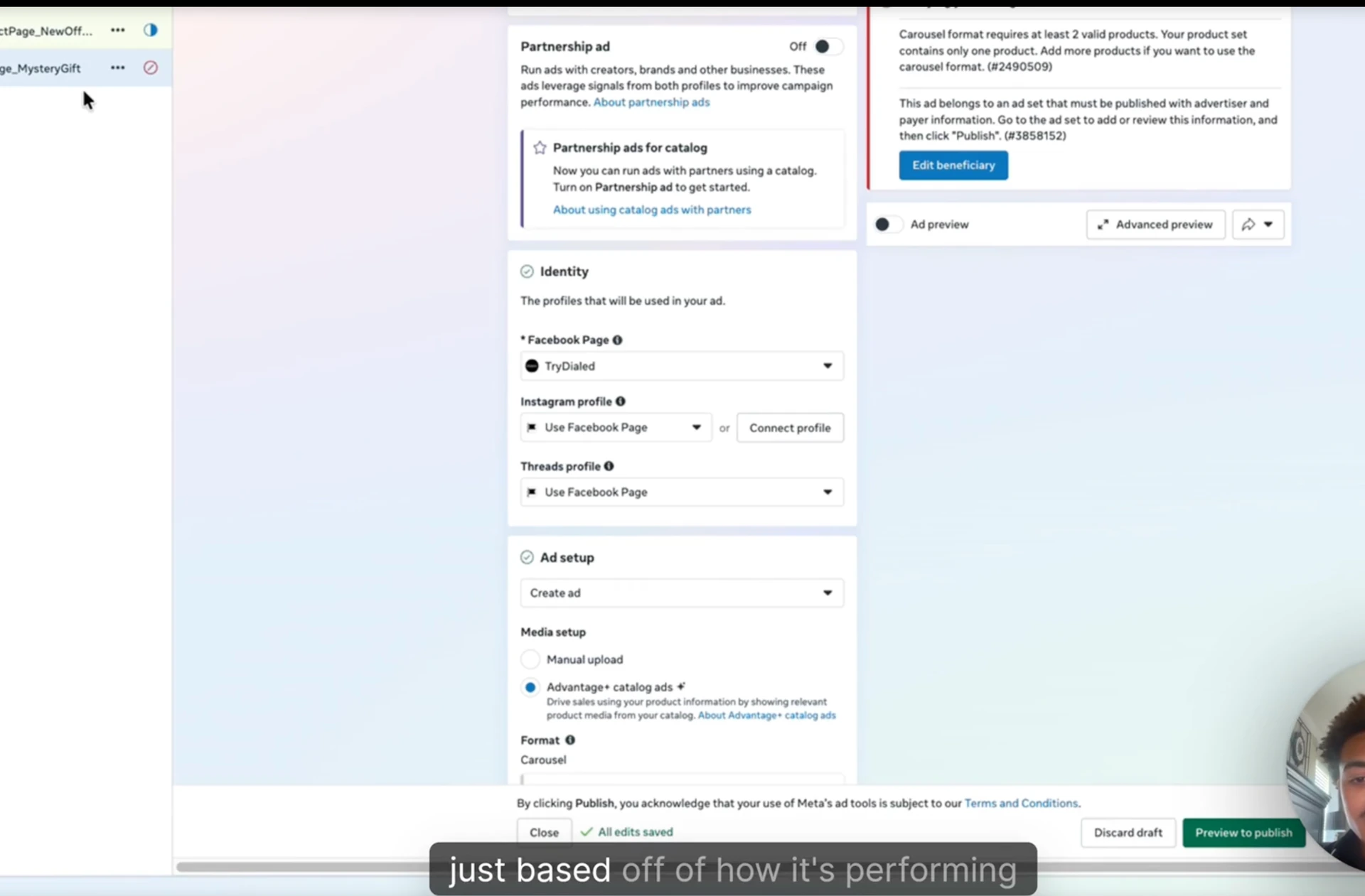
Step 2: Duplicate the ad set in Meta.
In Meta Ads Manager, find your Batch 1 ad set. Quick Duplicate. Now you have two identical ad sets running the exact same creative.
Inside the duplicated ad set, change only one thing: the website URL on each ad. Point the destination URL to your duplicated product page / advertorial / landing page.
Naming convention example:
| Ad set | Destination |
|---|---|
| V1 — Original Offer | original product page URL |
| V2 — Mystery Gift | duplicated product page URL with new offer |
Step 3: Launch simultaneously.
Both ad sets go live at the same time inside the same campaign. Same audience, same creative, same budget logic — only the landing destination is different.
Why this works — Meta's allocation logic
Meta's algorithm doesn't just look at click-through rate on the ad. It looks at landing page engagement, time on page, add-to-cart rate, checkout-initiated rate, and purchase rate. All the side metrics that signal whether the post-click experience is converting.
When you give Meta two identical ads pointing to two different landing destinations, it allocates spend based on which destination is actually converting. The winning URL gets more budget. The losing URL gets cut.
You're letting Meta do the split test for you, at the destination level, without diluting your existing winning campaigns.
The catch — congruency, not always the variable
Sometimes a variant loses not because the offer / advertorial / landing page is bad, but because the ad creative isn't congruent with the new destination.
Example: your Batch 1 ad creative is built around the original offer's hook ("Buy 3, get 2 free"). You point the same ad to a new destination with a Mystery Gift offer. The ad still says "Buy 3, get 2 free" — but the landing page says Mystery Gift. The reader hits the page, sees a mismatch, bounces.
Test failure isn't always about the variable you're testing. Sometimes it's the congruency between ad and destination.
The fix: when you're testing significantly different variables, either build neutral creative that's congruent across both destinations, or build separate ad creative for each variant that's specifically congruent with its destination.
This is why I tell operators: stress test with at least 3 ad sets per variant. A single ad set could lose for congruency reasons that have nothing to do with your variable. Three ad sets running the test gives you enough volume to know if it's actually the variant or if it's a creative/congruency issue.
Both variants can be winners
The critical reframe: you're not running this test to find a single winner and kill the loser.
If your main offer hits at a 1.8x ROAS and your new mystery gift offer hits at a 1.6x ROAS, both are winners. They're probably hitting different pockets of the audience. Some buyers are price-sensitive (B3G2F resonates), others are gift-motivated (mystery gift resonates).
Scale both in your campaign. Two winning ad sets running simultaneously expand your effective audience, not split your budget.
This is why Grunz runs multiple listicles depending on traffic type:
- GLP-1 listicles for the GLP-1-aware audience
- First-order listicles for cold traffic that doesn't know GLP-1 yet
- Different landing pages per avatar segment
Each one is the control for its specific avatar. The right control depends on the audience segment you're targeting. You can have multiple controls at the same time, each one optimized for its segment.
The whitelisting caveat — auction competition
One advanced application of this method: testing the same ads from different brand pages. Whitelisting — running ads from a creator's personal page in addition to your brand page (covered in Module 1, Affiliate & UGC Creator Community Playbook).
The setup is the same: duplicate the ad set, change the page identity, launch simultaneously. Brand-page ads vs creator-page ads with identical creative.
The risk: auction competition. As both scale, they may compete against each other in Meta's auction. The brand page might hit middle-of-funnel frequencies, the personal page might hit top-of-funnel — meaning they're not really cannibalizing, but you can't always tell.
The play: compare side-by-side over 3-5 days, then keep scaling whichever is winning at your CPA target. Unless you're spending heavily enough that you're hitting your CPA on both — in that case, keep both running. The cap is the audience, not the auction conflict.
Read your ad account metrics carefully when running this test (deep-dive in Module 5 — Make Ads with Intent).
What you can test with this method
Once the duplication-and-redirect method is in your workflow, you can split test almost anything:
| Variable | What you duplicate |
|---|---|
| Offer | product page URL with new offer structure |
| Advertorial | advertorial page with new copy / headline / hook |
| Landing page | landing page with new section / layout / hero |
| Hero image / headline | within a duplicated landing page |
| Brand page identity | creator whitelist vs brand page (auction caveat) |
| Product page format | listicle vs review vs comparison vs straight PDP |
The pattern is the same every time: duplicate the destination, change one variable, run identical ads to both, let Meta pick the winner via destination-level performance.
This is how my team scaled fast. Direct A/B split tests inside Meta — too slow, too dilutive. Duplicate-and-redirect tests — fast, cheap, doesn't kill momentum, gives you real congruency-tested winners.
What's gatekept inside the masterclass
The principles are here. The actual artifacts live in the masterclass:
- The full 3-2-2 methodology — the matrix I run for advertorial-specific tests (cross-ref Module 3 → Advertorials)
- Naming convention templates for clean test tracking inside Meta Ads Manager
- Shopify product duplication walkthrough — exact step-by-step with screenshots
- GemPages page duplication walkthrough — for advertorial / landing page variants
- Live test result breakdowns — what I'm currently testing across my brands, what's winning, what flopped
- Ad account metrics deep-dive — what to actually watch when reading split test data (cross-references Module 5)
Want the full 3-2-2 methodology, the test matrix templates, the live test breakdowns, and the ad account metrics deep-dive? All inside the RunItUp Masterclass → Join here
Join now to lock in your rate, prices are increasing quickly.